

Most people don’t think about location tracking apps until something goes wrong: a child doesn’t arrive home on time, a delivery driver goes off-route, or a phone goes missing. After reviewing dozens of options across real user reviews, feature depth, and privacy practices, the challenge becomes clear. Battery drain, GPS accuracy in tricky environments like parking garages or dense buildings, and consent boundaries all make picking the wrong app genuinely costly. This guide covers the five strongest options available right now, with honest context on what each one actually delivers.
The shortlist methodology
Public sources drove every decision here: app store ratings, user review platforms, official product pages, and third-party directories were all pulled together to assess each option. Only apps with a real track record in mobile software made the cut, with particular weight given to GPS reliability and user satisfaction at scale.
→ See the full research breakdown
- iSharing – Best for real-time location sharing and family safety
- Microsoft Family Safety – Best for family device management and parental controls
- AirDroid – Best for enterprise mobile device management
- GeoZilla – Best for family safety and location tracking
- Scannero – Best for phone tracking and device location services
What’s at Stake When Location Tracking Apps Are Overlooked
Picking the wrong app doesn’t just mean minor inconvenience. Families relying on inaccurate location pings can miss important safety windows. Fleet managers working with apps that chew through battery life end up with field devices dying mid-shift. And anyone using an app that skirts GDPR, CCPA, and location data privacy laws is one audit away from a serious problem.
The technical side matters just as much. An app that updates location every 30 seconds feels very different from one that pings every 5 minutes when a parent is waiting for a teenager to arrive safely. GPS accuracy radius, even a difference of 50 meters versus 200 meters, changes what you can actually do with the data.
Choosing well means better location update frequency, tighter GPS accuracy, and lower battery impact on tracked devices. Those three things together determine whether a tracking app actually earns consistent daily use.
Top 5 Location Tracking Apps: Specs at a Glance
Note: All data in this table is sourced from review platforms and the official websites of the listed companies.
|
Company Name |
Years Operating |
Headquartered In |
|
iSharing |
Since 2010 |
Irvine, CA |
|
Microsoft Family Safety |
Since 2006 |
Global |
|
AirDroid |
Since 2011 |
Singapore |
|
GeoZilla |
Since 2015 |
Limassol, Cyprus / Palo Alto, CA |
|
Scannero |
Since 2022 |
Geri, Cyprus |
1.iSharing – Best for Real-Time Location Sharing and Family Safety
What does iSharing do?
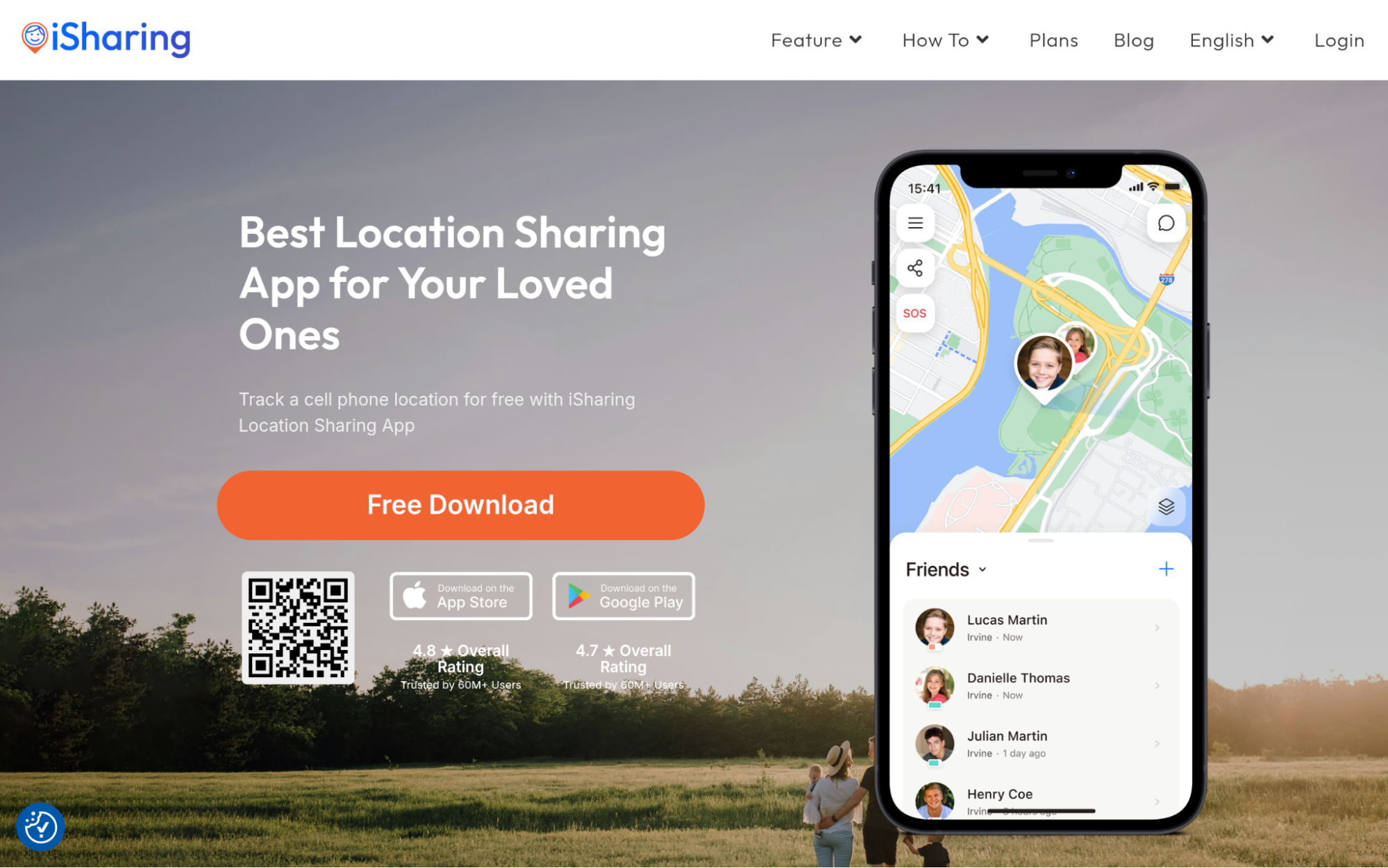
Families looking for reliable GPS sharing without a complicated setup will find that the free location tracking app by iSharing covers the essentials with genuinely impressive depth. The app delivers real-time GPS location sharing, place alerts, panic alerts, location history, and driving reports, all wrapped in an interface that doesn’t require a tutorial to figure out. With over 50 million downloads and a 16% year-over-year growth rate, it’s clearly doing something right. The 4.60 rating across more than 224,000 reviews suggests it isn’t just popular; it’s consistently performing for everyday users who rely on it.
What’s iSharing’s Real Advantage for Location Tracking Apps?
The problem iSharing solves is making real-time location sharing accessible without sacrificing accuracy or privacy, which is harder to pull off than it sounds. The combination of a high free-tier feature set and strong user trust signals makes this a rare case where scale and quality actually go together.
Customer Review Snapshot:
Users repeatedly call out real-time GPS performance and the clean, easy-to-read interface as standout qualities. Cost-effectiveness comes up constantly too, especially from users who switched from pricier alternatives. That kind of consistent feedback across 224,000+ reviews points to an app that holds up under daily use.
2.Microsoft Family Safety – Best for Family Device Management and Parental Controls
What does Microsoft Family Safety do?
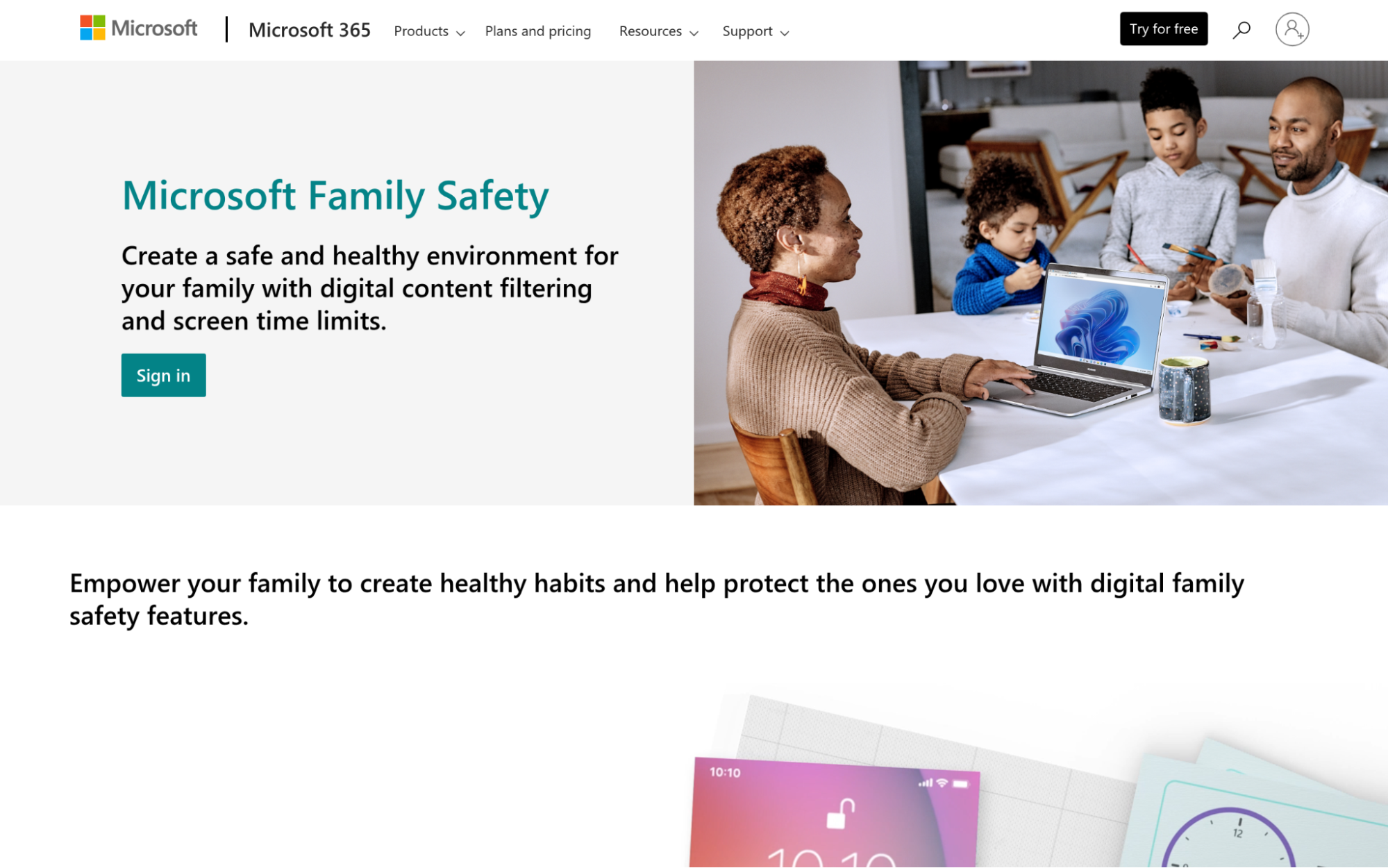
Microsoft Family Safety runs across Windows, Xbox, Android, and Apple devices, making it one of the few genuinely cross-platform options in this space. Parents get content filtering, screen time limits, app restrictions, location sharing, and a Drive Safety mode built specifically for teen drivers. The deep Windows 11 integration is a real differentiator, reaching into Microsoft Edge, the Microsoft Store, and search results at a system level. For families already inside the Microsoft ecosystem, this feels less like an add-on and more like a natural extension of what they’re already using.
What’s Microsoft Family Safety’s Real Advantage for Location Tracking Apps?
The real problem it solves isn’t just location tracking. It’s unified family oversight across every device type a household might own, from a gaming console to a smartphone. For families with mixed device environments (think Xbox in the living room and an Android in a teenager’s pocket), that cross-platform coverage is genuinely hard to match.
Customer Review Snapshot:
User reviews tend to highlight the breadth of the platform rather than any single feature. The free pricing model comes up often as a deciding factor, and parents running mixed-device households consistently mention how much easier it is to manage everything from one place.
3.AirDroid – Best for Enterprise Mobile Device Management
What does AirDroid do?
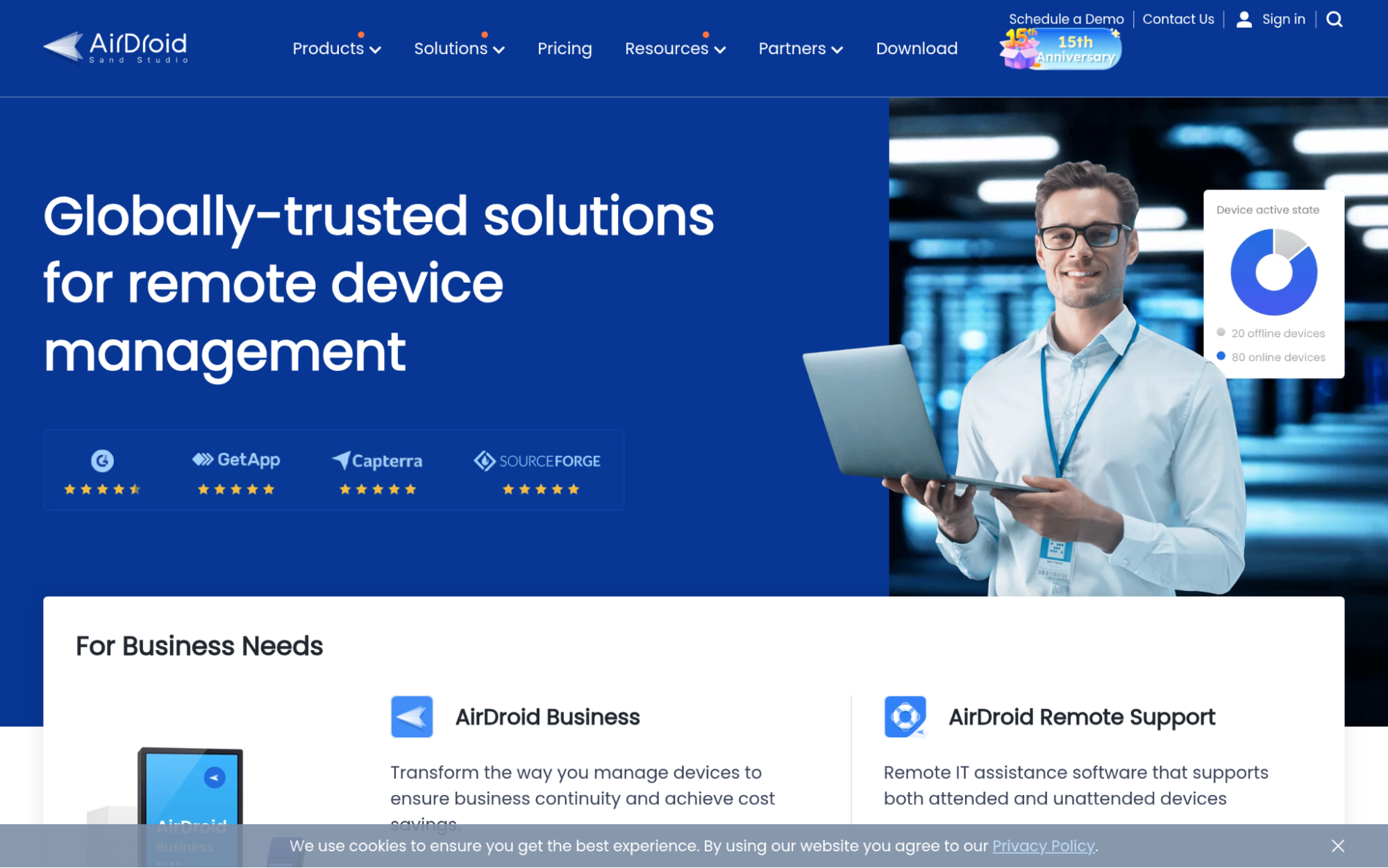
AirDroid, built by Sand Studio, is a full enterprise mobile device management platform that covers Android and Windows endpoints at scale. Beyond location tracking, it handles remote support, file transfer, screen casting, geofencing, and its proprietary Black Screen Mode, which keeps corporate activity private during remote sessions. The platform manages smartphones, tablets, POS systems, digital signage, restaurant kiosks, and IoT devices across more than 100 countries. AirDroid Business, launched in 2018, was built specifically for organizations that need real control over field devices without requiring factory resets to get started.
What’s AirDroid’s Real Advantage for Location Tracking Apps?
Where most consumer-facing apps stop at showing you where a device is, AirDroid solves the harder enterprise problem of actually controlling and securing those devices remotely, at scale. A 4.9-star aggregate rating, a 5/5 on Capterra, and recognition from BBC and CNET all point to a product that earns its reputation through real-world performance rather than marketing.
Customer Review Snapshot:
The reviews are strikingly consistent for an enterprise tool: customer service and product usability come up in almost every positive mention. Recognition across categories like EMM, MDM, MAM, UEM, and Remote Support suggests reviewers aren’t just satisfied; they’re returning to update those reviews over time (not cheap for enterprise tiers, but clearly worth it for teams managing dozens of devices).
4.GeoZilla – Best for Family Safety and Location Tracking
What does GeoZilla do?
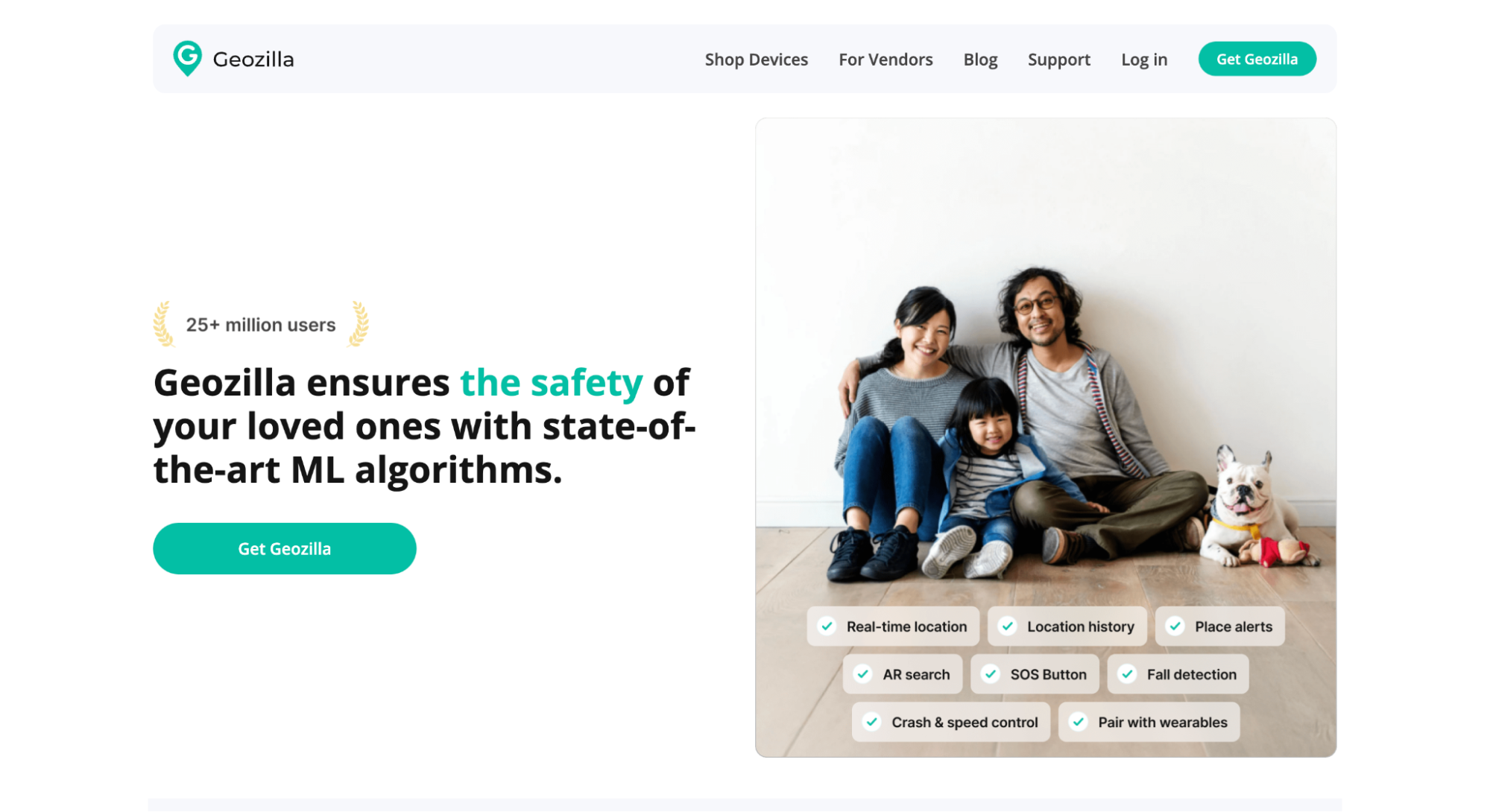
GeoZilla sits at an interesting intersection of location tracking and machine learning, using AI algorithms to learn user behavior patterns and flag unusual activity rather than just showing a dot on a map. The app covers real-time GPS sharing, geofencing, pet tracking, and driver protection across its 10 million active users. What sets it apart from a straightforward tracker is the predictive layer. Instead of just alerting you when someone leaves a geofence, it can surface anomalies based on what’s normal for that specific user. For families who want smart safety rather than raw data, that’s a meaningful shift.
What’s GeoZilla’s Real Advantage for Location Tracking Apps?
GeoZilla targets the gap between passive location monitoring and genuinely intelligent safety alerts, which is a specific problem that straightforward GPS apps don’t address well. Battery life wasn’t sacrificed to get there either, which is usually the first casualty when machine learning runs on a mobile device.
Customer Review Snapshot:
GeoZilla’s user base responds well to the behavioral intelligence features, with family safety use cases driving most of the positive sentiment. Users with pets also note the tracking flexibility as a standout feature compared to apps that only cover human family members.
5.Scannero – Best for Phone Tracking and Device Location Services
What does Scannero do?
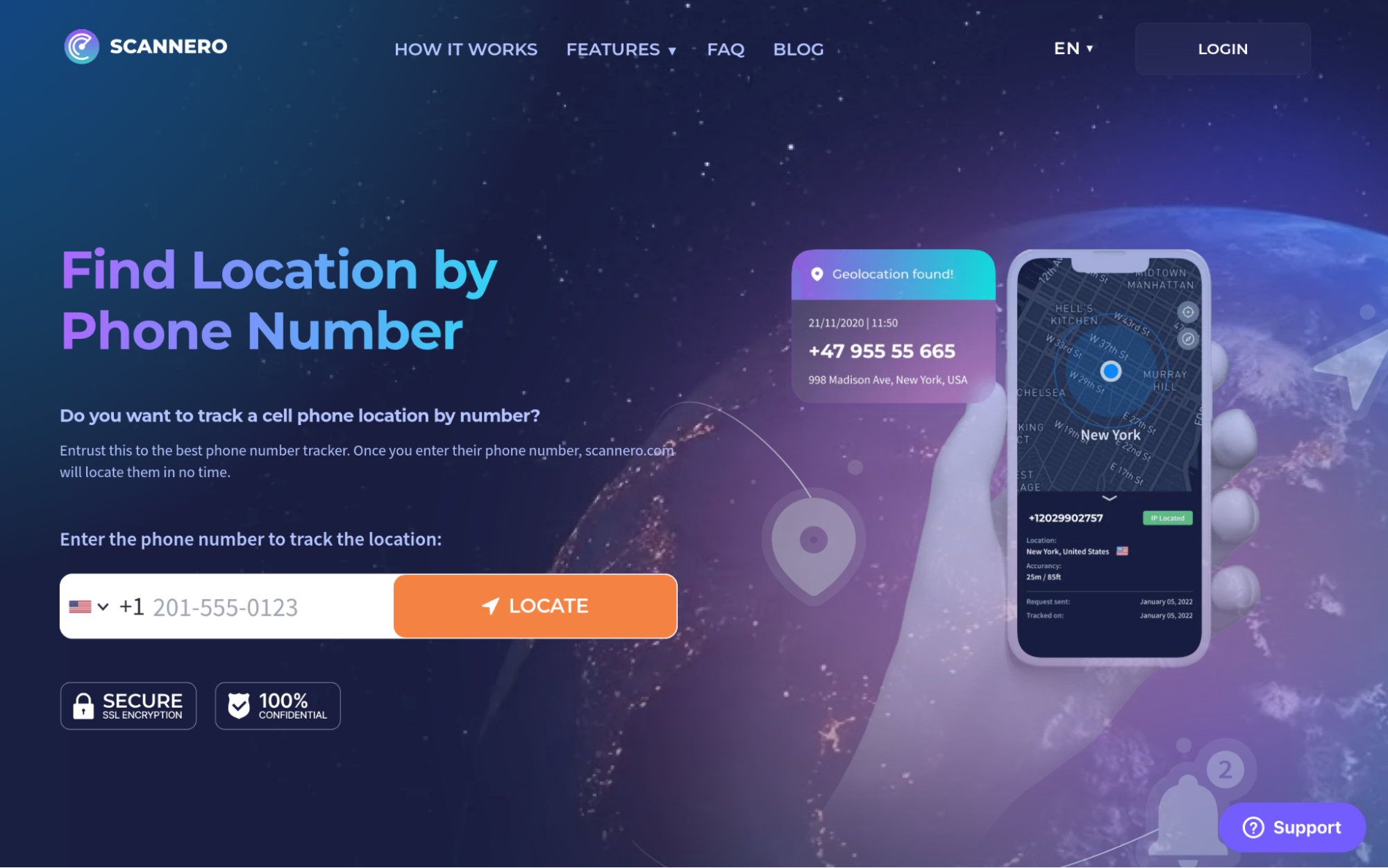
Founded in 2022 and based in Cyprus, Scannero takes a stripped-down approach to phone tracking: enter a phone number, get a location, no app installation required on the target device. The appeal is obvious for anyone who needs to locate a contact quickly without coordinating a separate app download. The service is built around a single function, and it does avoid the friction that comes with app-based options. That said, the no-installation model raises legitimate questions around consent and compliance with GDPR, CCPA, and location data privacy laws, questions worth thinking through before using any service of this type.
What’s Scannero’s Real Advantage for Location Tracking Apps?
The specific problem Scannero addresses is setup friction: most people won’t install another app just to share their location once, so removing that barrier entirely is a real design decision. The trade-off, though, is that a 2.2 out of 5 rating on Trustpilot across 574 reviews signals meaningful user dissatisfaction that’s worth factoring into any decision here.
Customer Review Snapshot:
Reviews on Trustpilot skew mixed to negative, with a 2.2 average reflecting real frustration from a large portion of users. The concept attracts interest, but the execution leaves enough users disappointed that it warrants caution, especially for anyone who needs reliability over convenience.
How These Options Were Tested and Ranked
The Data Collection Phase Explained
Building the longlist started with a sweep across major app directories, mobile software review platforms, and consumer feedback aggregators. App store ratings, Trustpilot scores, Capterra pages, and category listings on established tech directories were all pulled into the same working pool. The goal at this stage wasn’t to filter yet, it was to cast a wide net across options that showed up consistently when users searched for location tracking solutions. Official product pages were also cataloged to understand positioning and feature claims before any comparison work began.
Determining Qualified Candidates to Proceed
Once the longlist was assembled, options without verifiable public records were removed. That meant any app with too few reviews to show a real pattern, or with review profiles that looked inconsistent or artificially inflated, dropped out early. The remaining candidates were assessed for review volume and sentiment consistency, not just average score, but whether positive feedback appeared across multiple independent platforms. Apps that only had strong ratings on one channel while showing poor scores elsewhere didn’t qualify.
Confirmation of Information Accuracy
Each shortlisted app was checked by comparing what the official website claimed against what real users reported in their reviews. Where a company described a specific feature, those claims were cross-referenced against recent user comments to confirm the feature actually worked as described. Gaps between marketing language and lived user experience were flagged. This step also caught any product changes, discontinuations, or known bugs that had surfaced after a company’s last public update.
Reading the Authority Signals
Beyond user reviews, external signals were factored in: press coverage from recognized tech outlets, industry award recognition, and appearances in curated software rankings from credible third-party sources. An app that consistently shows up in coverage from publications like BBC, CNET, or Capterra carries different weight than one that’s only referenced in its own marketing material. Original research or proprietary feature development also counted here, as it tends to indicate a product team that’s actively building rather than maintaining.
Looking at Location Tracking Apps Specifically
The final filter was specific to location tracking performance. Apps that had dedicated feature pages for GPS accuracy, geofencing, location update frequency, and battery management were weighted more heavily. Verified user reviews that mentioned real-world location performance, whether the app held accuracy indoors, how quickly alerts fired after a geofence breach, or how it handled GPS-poor environments, carried more weight than general usability praise. Case studies or documented user outcomes in family safety, fleet management, or enterprise device tracking were also considered as strong confirmation of fit.
How to Match a Location Tracking App to Your Use Case
Not every location tracking app fits every situation. Matching the right tool to your actual need saves time, money, and a lot of frustration down the road. Here’s what to check before committing to any option:
- Industry/Domain Experience: Look for apps with a track record in your specific use case, whether that’s family safety, enterprise fleet management, or solo device tracking. General-purpose apps sometimes lack the depth that specialized use cases need.
- Features and What You Get: Confirm the app covers what you actually need: geofencing, location history, panic alerts, driving reports, or multi-device support. Feature lists can look similar on the surface but behave very differently in practice.
- Pricing Structure: Free tiers vary a lot. Some apps offer genuinely full-featured free plans; others gate the most useful features behind premium subscriptions. Know where the paywall sits before you set anything up.
- Results Measurement: Check how the app reports location data. Update frequency, GPS accuracy radius, and alert response time matter more than most people realize until they need them in a real situation.
- Industry Knowledge and Compliance: Any app handling location data should clearly address GDPR, CCPA, and location data privacy laws. If consent and data retention policies aren’t easy to find, that’s a flag worth taking seriously.
Summary
Choosing the right location tracking app comes down to knowing what you actually need it to do. Family safety apps, enterprise device managers, and no-install trackers all solve different problems at different price points. The clearest differentiators are location update frequency, GPS accuracy under real-world conditions, and how well each app handles consent and privacy requirements. This space is growing fast, and the apps that balance tracking precision with battery life and transparent data practices are the ones likely to earn lasting user trust.
