

Half the fun of a great music video is working out how they pulled it off — which rooftop, which stretch of desert highway, which soundstage dressed up to look like somewhere else. Generative AI is rewriting that answer. A typed idea and an uploaded track now produce a 4 K (3840 × 2160) video in minutes, with no location scout, no crew, and no five-figure budget. Linkin Park showed the potential with their anime-style “Lost” video in February 2026. Early versions blurred frames and warped singers, so we stress-tested resolution, beat sync, pricing and character lock. Seven platforms held up—starting with Neural Frames, an AI music-video creator built for pro-level stem control.
A Quick Look at the Contenders
Here is how the seven finalists compare on resolution, character consistency, music awareness, entry price, estimated cost for a three-minute 4 K export†, and each tool’s key limitation.
|
Tool |
Max output |
Consistency aid |
Music awareness |
Entry plan (USD) |
Est. cost per 3-min 4 K† |
Key limitation |
|
Neural Frames |
4 K upscaled |
Custom models |
8-stem deep sync |
26 / mo |
≈ 3 USD in credits |
Steep learning curve |
|
LTX Studio |
4 K (Pro) |
Trained actor system |
Manual song alignment |
15 / mo |
≈ 22 USD in credits |
Credit burn on long videos |
|
Runway Gen-4 |
1080 p + 4 K upscale |
Strong single-clip stability |
No direct audio input |
28 / mo |
≈ 30 USD in credits |
Six-second clip ceiling |
|
Kaiber |
1080 p + AI upscale |
Canvas reference images |
Beat-synced scene cuts |
29 / mo |
≈ 25 USD in credits |
Style drift between scenes |
|
Atlabs |
4 K (beta) |
Avatar upload, no drift |
Auto storyboard + lyric sync |
Beta wait-list |
n/a |
Limited user data |
|
LyricEdits |
4 K at 24 fps |
n/a (text-first) |
Auto lyric timing (90+ langs) |
39 / mo |
Flat, no extra credits |
Visuals limited to lyric style |
|
Rotor Videos |
1080 p |
n/a (stock clips) |
Basic beat analysis |
Pay per video (~15 USD) |
4 K not offered |
Stock look repeats |
†Credit estimates use each platform’s July 2026 rate tables and assume one prompt pass plus a single 4 K upscale where required.
The patterns show up fast: native 4 K usually hides behind a credit wall, flat-price services stop at HD, and only a few tools give you character lock without extra setup.
1. Neural Frames: Best Overall for Pro-Grade 4 K and Frame-Perfect Music Sync
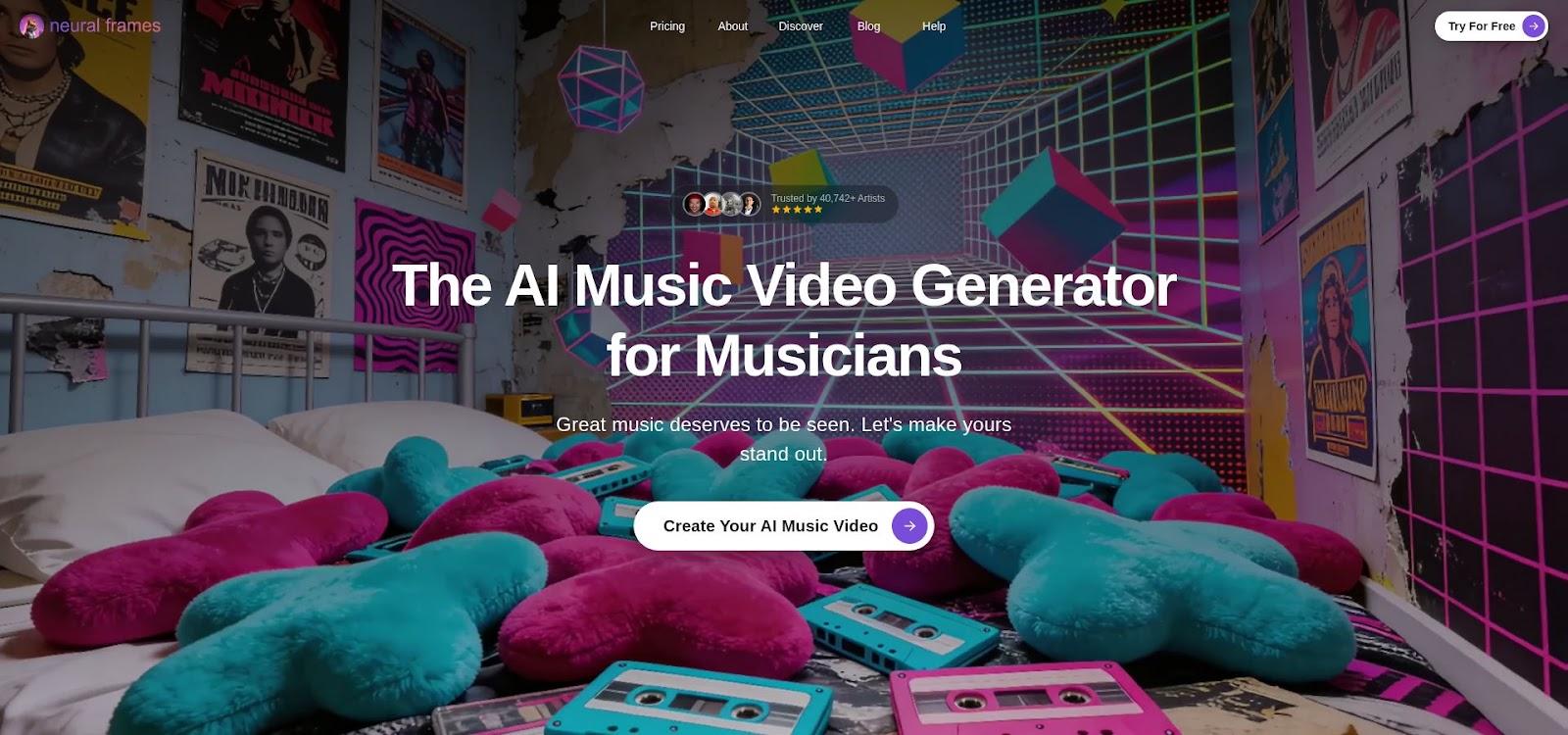
Neural Frames works like a small post house in your browser. Its AI music video creator landing page notes that more than 40,000 musicians have generated over two million clips. Upload a track and the platform splits it into eight stems—drums, bass, vocals and more—so every kick or breath can trigger a scene change. Cuts land on the beat, swells match crescendos, and drops hit on frame.
Quality rises with the tier. The mid-level Knight plan renders clean 1080 p, while Ninja adds 4 K upscaling (3840 × 2160). All tiers export watermark-free.
Control is the real strength. A timeline editor pins prompts to exact frames, and custom models let you upload reference images so characters stay on model. Think lightweight Premiere crossed with generative AI, and expect a short learning curve. Our three-minute 4 K test consumed about 334 credits, roughly 3 USD on the Ninja plan.
Use Neural Frames when: you need a tightly synced 4 K video and will trade a few hours of practice for precise control.
2. LTX Studio: Best for Storyboard-Driven Videos With a Locked-In Lead Character
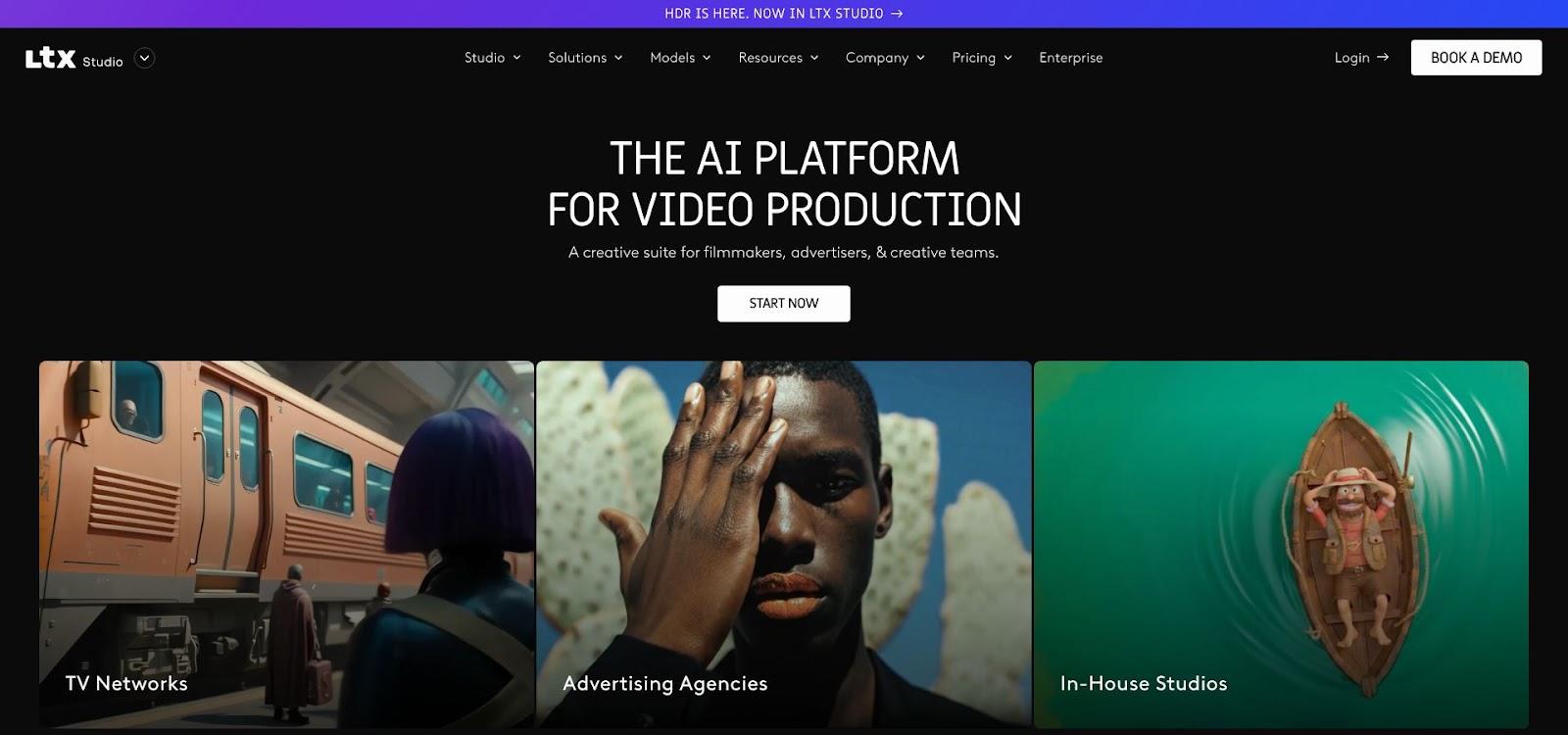
LTX Studio tackles music video like a film director with a coding habit. Drop in a concept—a logline or a single image—and it generates a shot-by-shot storyboard with camera moves and run-times, turning hours of pre-vis into seconds.
Its signature feature is Elements. Upload a reference photo, tag it as a Trained actor, and the same face, costume and lighting persist across every scene. Lightweight LoRA training keeps identity markers stable from first frame to last.
The entry plan renders crisp 1080 p; Pro offers native 4 K (3840 × 2160). LTX bills by compute credits, so a well-planned three-minute narrative runs about 22 USD. The trade-off is complexity.
Use LTX Studio when: you have a story to tell, a protagonist to keep on model, and the patience to direct.
3. Runway ML (Gen-4): Best for Photoreal Clips if You Like to Edit
Runway’s Gen-4 feels like a Hollywood backlot inside a browser. Type a prompt and you get footage approaching live action, with shallow depth of field, natural camera sway and believable facial micro-movements.
The catch: Gen-4 responds to text and reference images, not to your song. You generate six-second clips, download them, and sync to the beat in Premiere or Resolve.
Upscaling is built in, and any clip moves to 4 K (3840 × 2160) on the Pro plan from 28 USD per month. Gen-4 consumes roughly 12 credits per second, so a three-minute video can reach about 30 USD in raw generation.
Reach for Runway when realism is vital and you are comfortable directing and editing.
4. Kaiber: Best for Stylized, Animated Worlds That Move to Your Beat

Kaiber hit the spotlight when Linkin Park turned archival art into an anime video with its engine. It converts static images or short prompts into fluid, stylistic animation.
The workflow is naturally musical. Upload a track, pick a style preset (cel-shaded, cyberpunk neon, ink-wash noir), and Kaiber slices the song so scene changes land on the downbeats. Canvas reference frames keep motifs steady and curb the morphing common to diffusion models.
Kaiber renders 1080 p by default, then applies an AI-upscale pass. It lacks native 4 K detail, so micro-text blurs slightly. Pricing is credit-based: the Creator plan covers two or three full songs, and a three-minute 4 K render lands near 25 USD.
Expect some style drift between verses, which Canvas mode largely corrects. Use Kaiber when you want clear “AI art” energy that still follows the beat.
5. Atlabs: Best for Upload-Yourself Videos With One-Click Character Lock
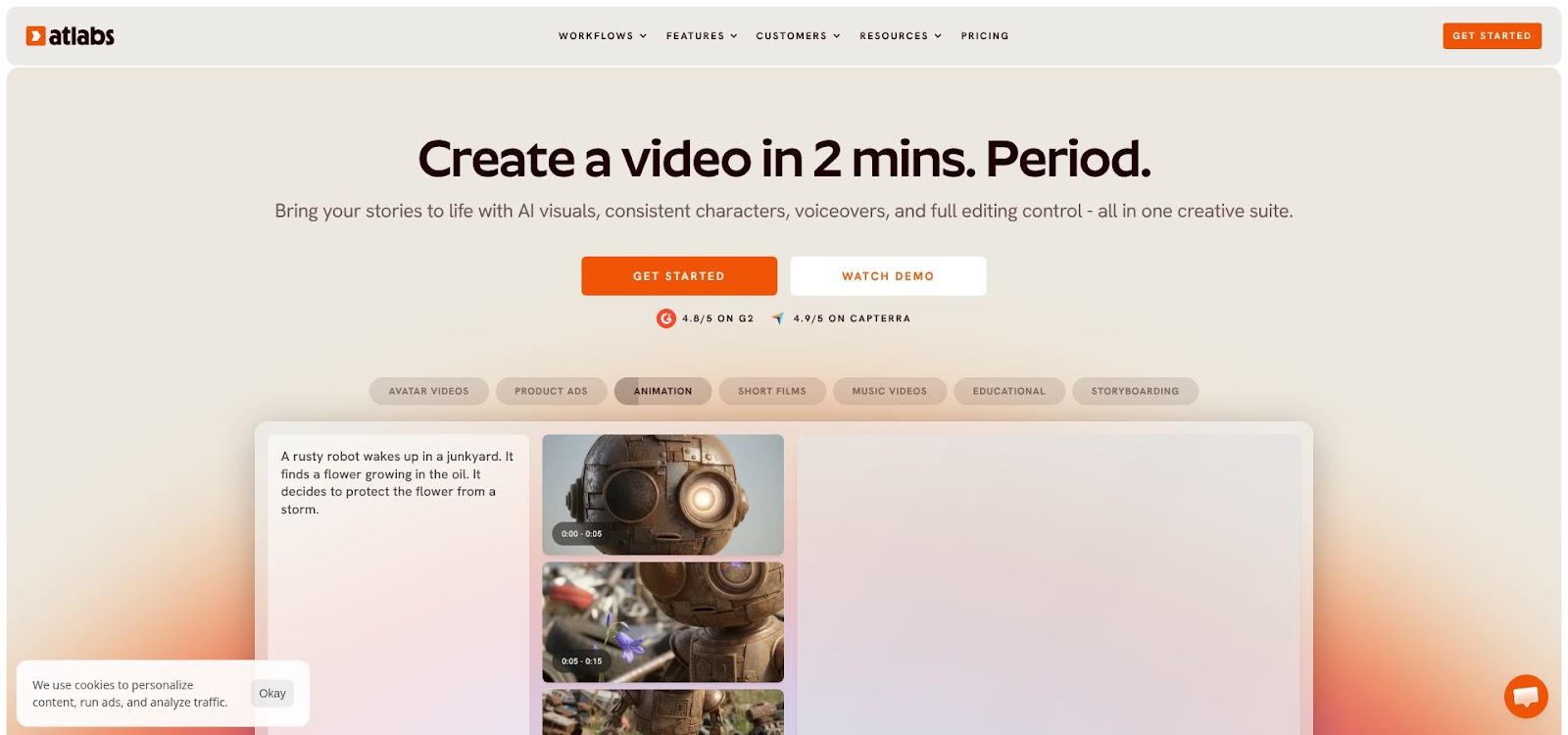
Atlabs tackles AI video’s common problem: keeping a face consistent from first frame to last. Upload a high-resolution headshot, pick a cinematic template (lo-fi rooftop, neon alley, desert dusk), and about thirty seconds later an avatar that looks like you is lip-syncing under matching light.
Reference-image conditioning plus a lightweight character model tracks across every shot. Across three very different test scenes—drone wide, close-up, silhouette—skin tone, hair and even a nose ring stayed put.
The beta tier renders up to 4 K (3840 × 2160), though queues can stretch a two-minute clip to roughly nine minutes of processing. Creative control is limited to the template’s scene order and a few sliders.
Reach for Atlabs when you need your own likeness on screen fast and can live with template-level direction.
6. LyricEdits: Best for Multilingual 4 K Lyric Videos You Can Finish on Your Lunch Break
Sometimes the words deserve the spotlight. LyricEdits centers every frame on perfectly timed text, sparing you the slog of manual caption sync.
Upload a track and the engine auto-transcribes in more than ninety languages, dropping lyric layers onto a draggable timeline. In our Spanish test we tweaked two punctuation marks and hit render.
Visuals lean on animated type, kinetic backdrops and subtle parallax. The Pro tier exports native 4 K (3840 × 2160) at 24 fps, so lettering stays razor-sharp on LED walls. Pricing is simple: the mid-tier gives unlimited 1080 p exports, while native 4 K costs 99 USD per month, flat with no credit system.
Use LyricEdits when subtitles are the star and deadlines are tight.
7. Rotor Videos: Best Pay-As-You-Go Pick for a Solid 1080 p Clip
Rotor suits artists who want a quick, polished video without a subscription. Rather than generating new imagery, it matches your track to curated stock footage and motion templates, editing everything to the song’s pulse.
Cost control is the main advantage. You can storyboard, preview and tweak in the browser for free, and pay only when you click Download. A three-minute 1080 p (1920 × 1080) export costs about 15 USD, and credits never expire.
Exports are watermark-free at 1080 p. Rotor tops out at HD, and frequent users may spot popular stock clips. Lean on Rotor when you need predictable pricing and a dependable cut in under twenty minutes.
Conclusion: How to Choose the Right AI Music-Video Generator
- Define the finish line. A cinematic 4 K cut for a projector? Short-list Neural Frames, LTX Studio or Runway. A quick TikTok teaser? Kaiber or Rotor. Subtitles first? LyricEdits. Your own face on screen with no drift? Atlabs.
- Match pricing to cadence. Subscriptions make sense for weekly drops; pay-per-download tools like Rotor cost less if you release quarterly.
- Read the fine print on resolution. Many platforms advertise 4 K but hide it behind credit surcharges or top tiers.
- Protect character consistency. Narrative videos live or die on a stable protagonist, so look for custom model training (Neural Frames), trained-actor systems (LTX) or avatar uploads (Atlabs).
- Test with your actual song. Stem-aware engines shine on dense electronic mixes but can misread loose jazz tempos.
One last thought for anyone who arrived here by way of a filming-location rabbit hole: these tools remove the crew and the permit, not the eye. The videos that land still open on a shot somebody pictured first.
