

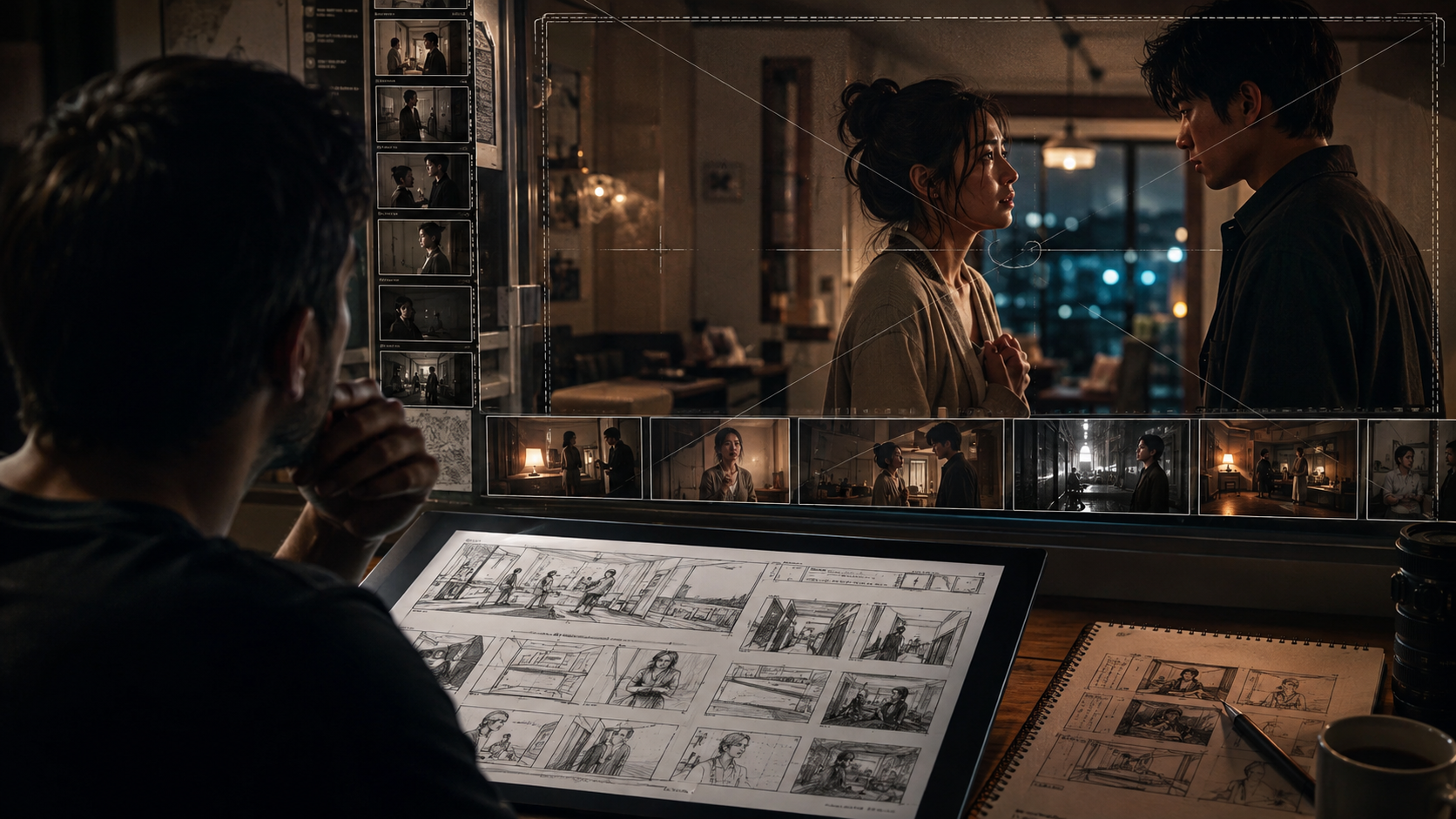
Creating a microdrama is not just about generating short video clips. The biggest challenge is turning a story idea into a visually consistent sequence where characters, locations, emotions, and camera choices stay connected across multiple scenes. Without proper planning, creators often spend more time fixing continuity issues than developing the story itself.
As short-form storytelling continues to grow, previsualization has become an important part of modern production. A good previsualization workflow helps creators test scenes, plan shots, and understand the visual direction before final production begins. AI tools are now making this process faster by helping with storyboards, shot planning, character development, and visual consistency.
This list covers six AI tools that can help creators plan and visualize microdramas more effectively, from early concepts to final production decisions.
Table of Contents
- What Are the Best AI Tools for Microdrama Previsualization?
- How We Evaluated These Tools
- Comparison Table
- 6 Best AI Tools for Previsualization in Microdrama Creation
- How to Choose the Right Tool
- FAQs
- Conclusion
What Are the Best AI Tools for Microdrama Previsualization?
The best AI tools for microdrama previsualization help creators move from an idea to a structured visual plan. They support different parts of production, including storyboarding, character consistency, scene planning, camera direction, and visual development.
The top tools include:
- Invideo Agent Two for complete AI-assisted filmmaking workflows with project memory and shot planning.
- Krea AI for exploring visual styles and creative directions.
- Storyboarder by Wonder Unit for traditional storyboard planning with a simple workflow.
- Boords for creating storyboards and production-ready shot plans.
- LTX Studio for turning scripts into visual story structures.
- Runway for creative exploration and AI-powered video development.
When selecting these tools, creators should consider how well they maintain consistency across scenes, support collaboration, and fit into the overall filmmaking process.
How We Evaluated These Tools
We evaluated these AI tools based on their usefulness for microdrama production planning. The main factors included:
- Ability to visualize scenes before production
- Character and location consistency
- Support for storyboards and shot planning
- Ease of adapting creative ideas
- Usefulness for independent creators and production teams
- Pricing flexibility
Comparison Table
| Tool | Best For | Key Features | Where It Falls Short | Pricing |
| Invideo Agent Two | End-to-end microdrama planning | Project memory, shot planning, AI crew workflow, multiple models | Better suited for structured projects than quick experiments | Paid plans available |
| Krea AI | Visual exploration | Style testing, image generation, creative references | Limited production planning features | Free and paid options |
| Storyboarder | Manual storyboard creation | Shot sketches, scene planning, camera notes | Requires more manual input | Free |
| Boords | Production storyboards | AI-assisted storyboards, collaboration tools | Less focused on full video creation | Paid plans |
| LTX Studio | Script-based visualization | Story breakdowns, scene generation, visual planning | Output refinement may require editing | Paid plans |
| Runway | Creative video experimentation | Video generation, editing, visual effects | Less focused on complete preproduction workflows | Paid plans |
6 Best AI Tools for Previsualization in Microdrama Creation
1. Invideo Agent Two
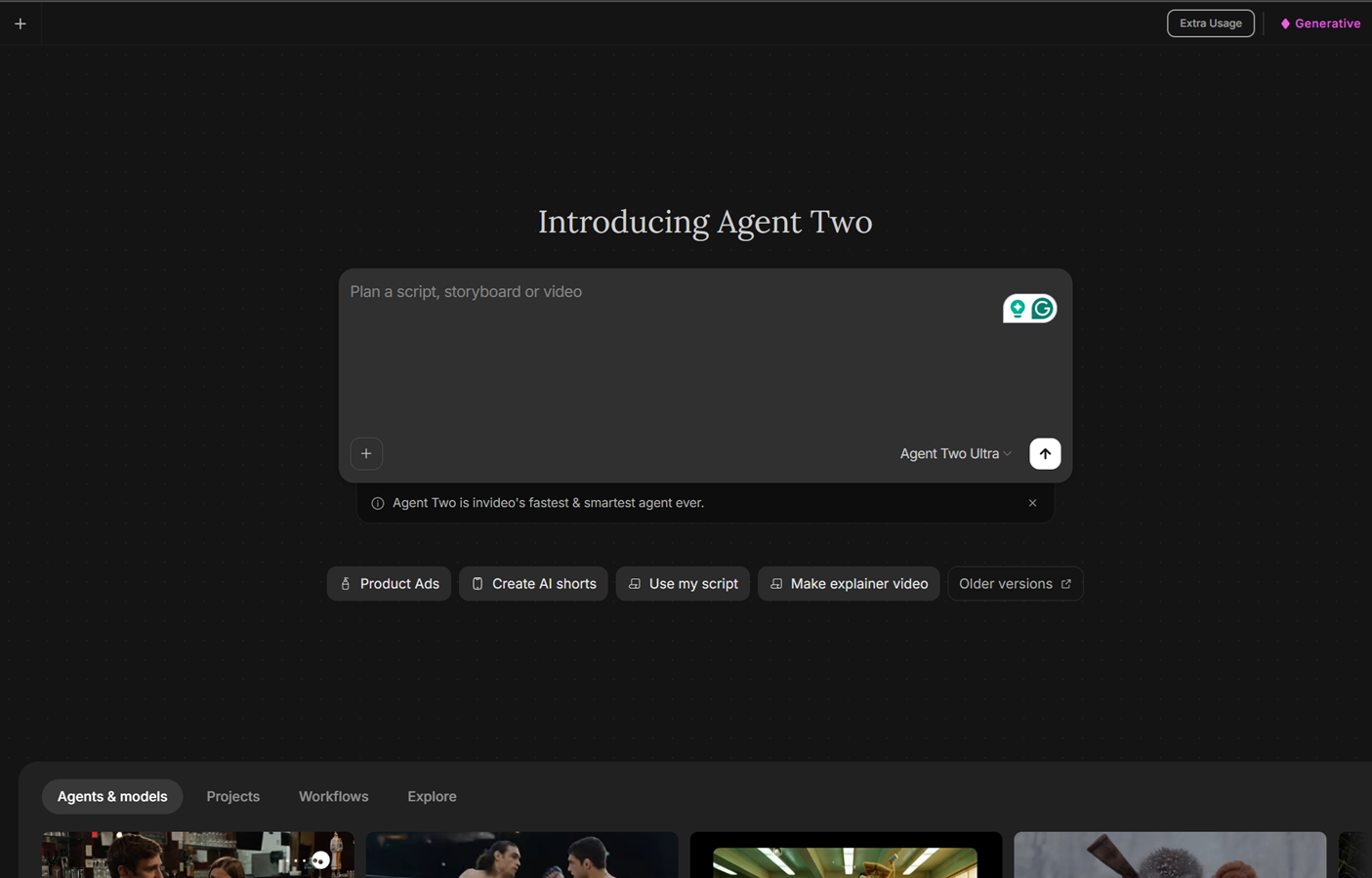
Invideo Agent Two helps filmmakers approach microdrama creation like a production process rather than a series of disconnected generations. It works as an AI filmmaking collaborator that helps with planning, character development, scene structure, and visual consistency throughout a project.
A major advantage is its ability to remember project details. Creators can establish characters, locations, visual rules, and story information once, allowing the workflow to maintain continuity across different scenes and episodes. This is especially useful for microdramas where short episodes still require strong narrative connections.
The system works with specialized roles such as creative planning, cinematography, casting, and editing workflows. Instead of requiring creators to write detailed technical prompts for every shot, it allows them to provide creative direction while handling production planning tasks.
For creators exploring cinematic visuals, Seedance 2.0 AI can generate cinematic 4K videos up to 15 seconds with multi-shot consistency, multimodal inputs, and precise motion control. Inside invideo’s agentic workflow, it can be used without writing individual prompts, helping creators focus on directing choices. It also works as a production option for films and microdrama seasons by generating shots against locked characters and locations.
Key Features:
- Persistent project memory for characters and locations
- AI-assisted storyboards and shot planning
- Multiple expert workflows for different production roles
- Access to 200+ AI models for different creative needs
- Support for microdramas, short films, and episodic content
Best For:Filmmakers and serious creators producing multi-scene stories where continuity matters.
Use Cases:
- Planning microdrama episodes
- Creating visual references before production
- Developing consistent characters
- Building complete shot plans
Where It Falls Short:Creators looking for simple one-off visual experiments may find a full production workflow unnecessary.
Pricing: Paid plans are available with different levels based on creative needs, starting at $17/month billed annually.
2. Krea AI
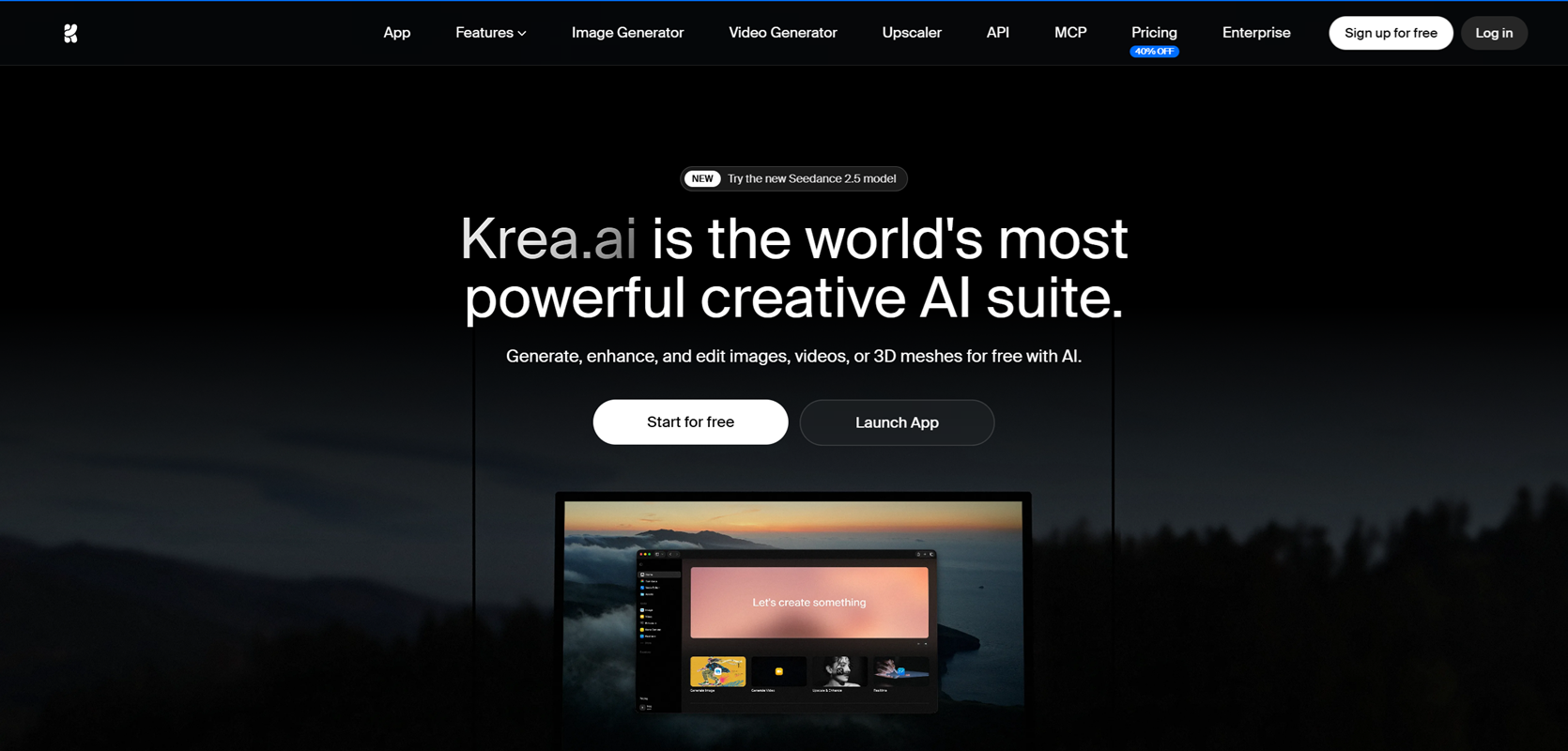
Krea AI is useful for creators who want to explore visual ideas before committing to a final direction. It focuses on rapid creative exploration, helping filmmakers test styles, compositions, and visual concepts during early development.
For microdrama creators, this can be helpful when deciding the mood of a story. A director can explore different lighting styles, environments, and character appearances before building a complete production plan.
The tool works well as a creative discovery platform. However, creators may need additional tools for detailed shot planning, episode structure, and maintaining long-term story consistency.
Key Features:
- Real-time visual exploration
- Style experimentation
- AI-generated visual concepts
- Creative reference development
Best For:
Creators developing the visual identity of a microdrama.
Use Cases:
- Exploring cinematic styles
- Creating early visual references
- Testing character concepts
Where It Falls Short:
It is more focused on creative exploration than complete production management.
Pricing:
Offers free access with paid plans for additional features.
3. Storyboarder by Wonder Unit
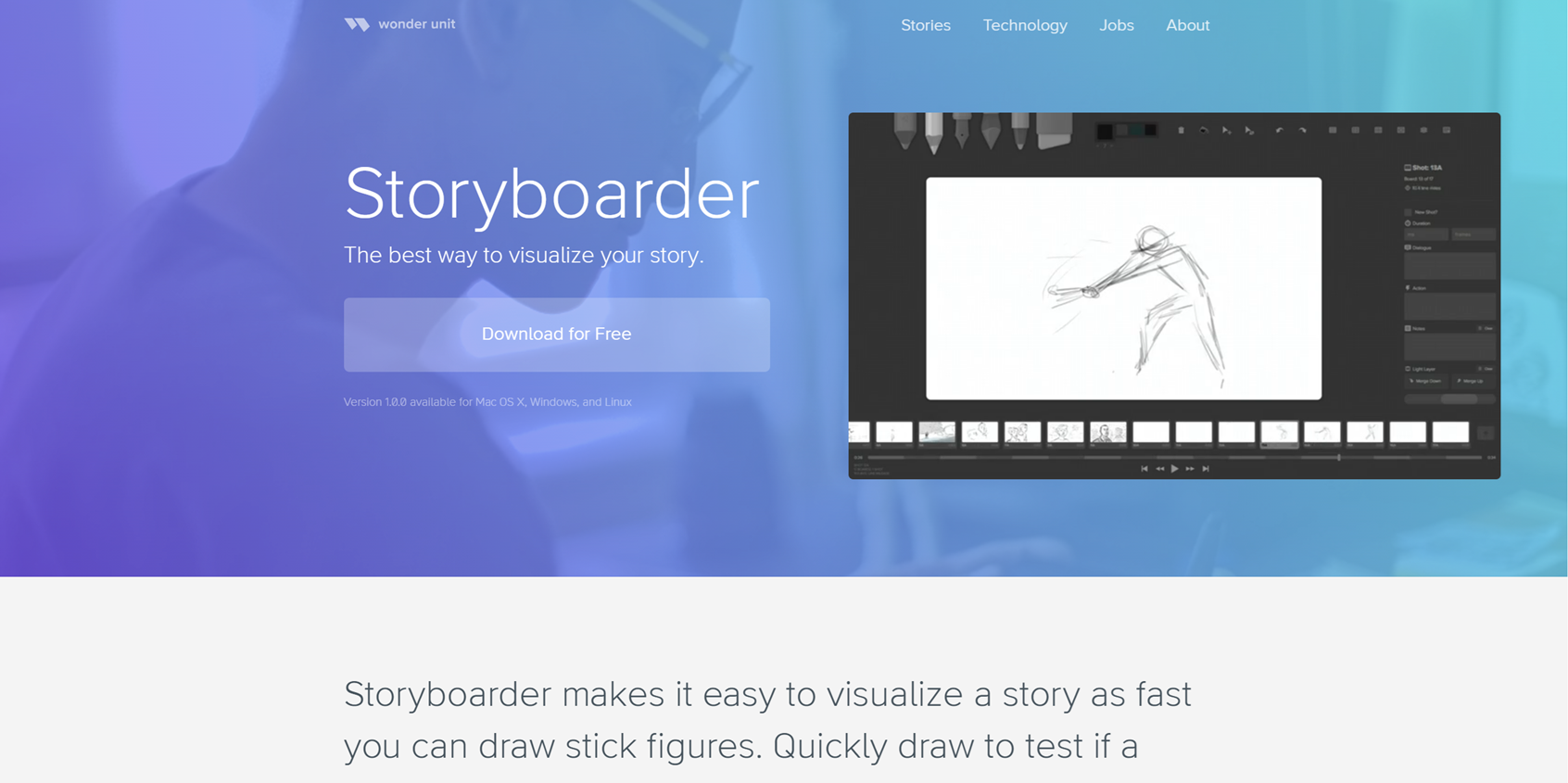
Storyboarder is designed for creators who prefer a traditional approach to visual planning. It allows filmmakers to map scenes, define camera positions, and organize storytelling ideas before production.
For microdramas, storyboards help creators understand pacing and shot transitions. Since short episodes often rely on efficient storytelling, planning each frame can help avoid unnecessary production changes.
The tool gives creators control over their planning process, although it requires more manual work compared with AI-driven production assistants.
Key Features:
- Scene-by-scene planning
- Camera notes
- Shot organization
- Simple storyboard creation
Best For:
Independent filmmakers who want hands-on control.
Use Cases:
- Planning episode sequences
- Mapping camera movements
- Reviewing story flow
Where It Falls Short:It does not provide advanced AI-driven continuity management.
Pricing:
Available for free.
4. Boords
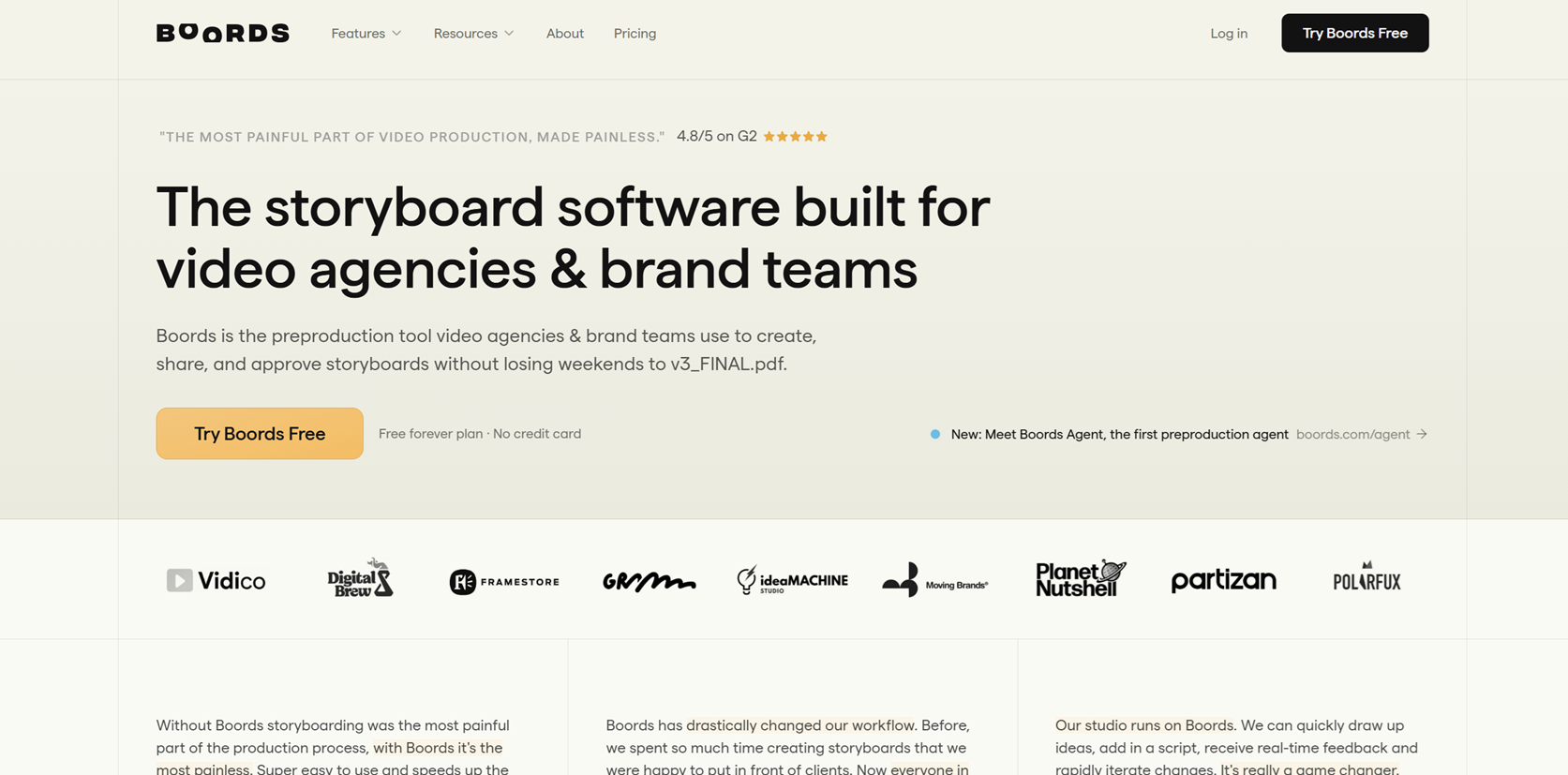
Boords helps creators convert ideas into organized storyboards and production documents. It is designed for teams that need a clear visual plan before recording or generating content.
For microdramas, Boords can help break down scripts into scenes and shots. Teams can review ideas together and make changes before production begins.
It works well for structured planning, although it is less focused on generating complete AI-driven video workflows.
Key Features:
- AI-assisted storyboard creation
- Script breakdown
- Collaboration features
- Production planning tools
Best For:
Teams managing collaborative preproduction.
Use Cases:
- Reviewing scripts visually
- Sharing story plans
- Organizing scenes
Where It Falls Short:It focuses mainly on planning rather than full video creation.
Pricing:
Paid plans are available.
5. LTX Studio
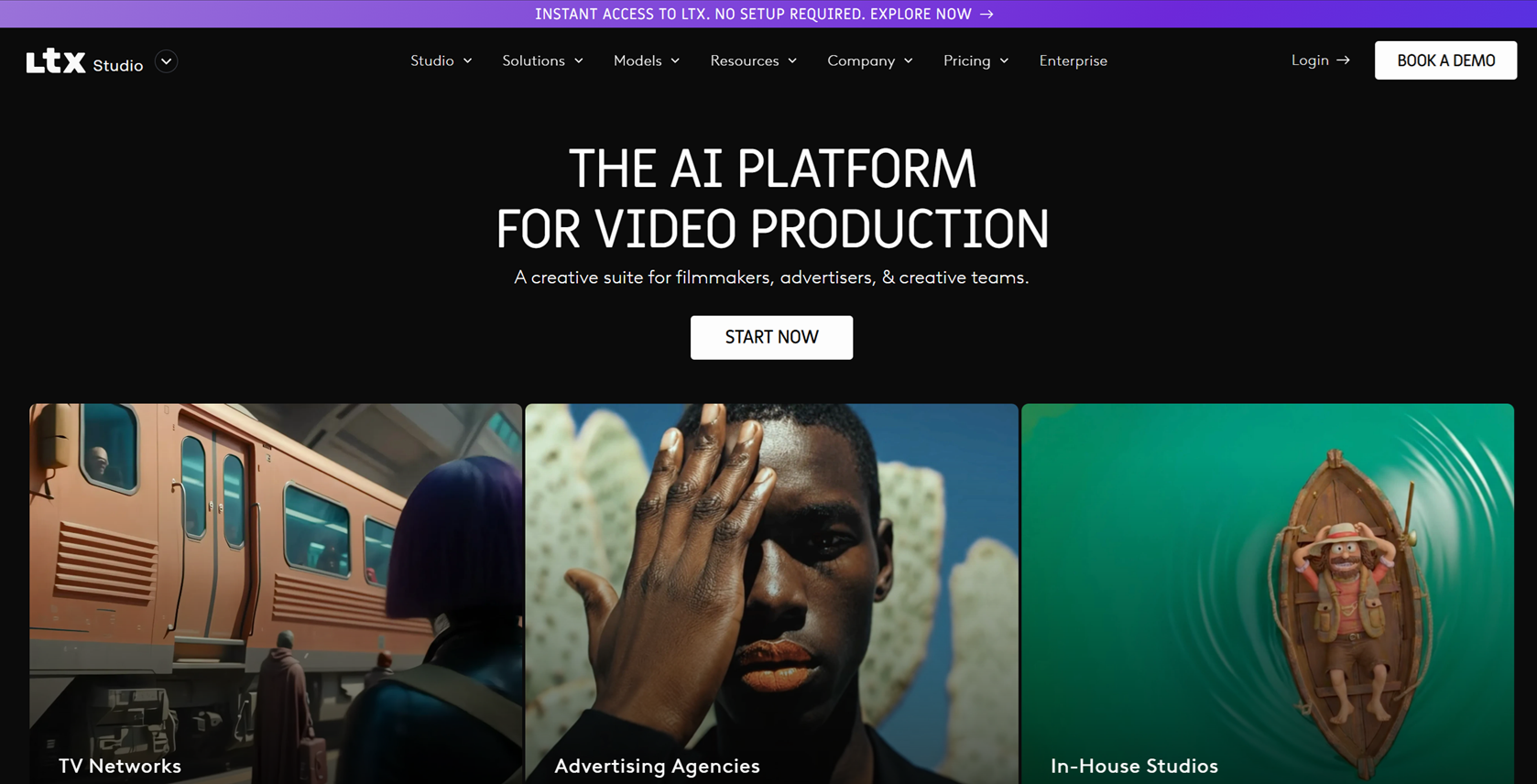
LTX Studio helps creators transform written ideas into visual story structures. It can assist with breaking down scripts, creating scenes, and developing visual sequences.
For microdrama creators, this approach can be useful during early development when a story needs to be shaped into a visual format. It helps bridge the gap between writing and production planning.
However, creators may still need additional workflows for detailed continuity control and final production management.
Key Features:
- Script visualization
- Scene planning
- Character development
- Story structure support
Best For:
Writers and creators moving from scripts to visual concepts.
Use Cases:
- Developing episode ideas
- Planning story sequences
- Exploring visual storytelling
Where It Falls Short:Complex productions may require additional tools for consistency.
Pricing:
Paid options are available.
6. Runway
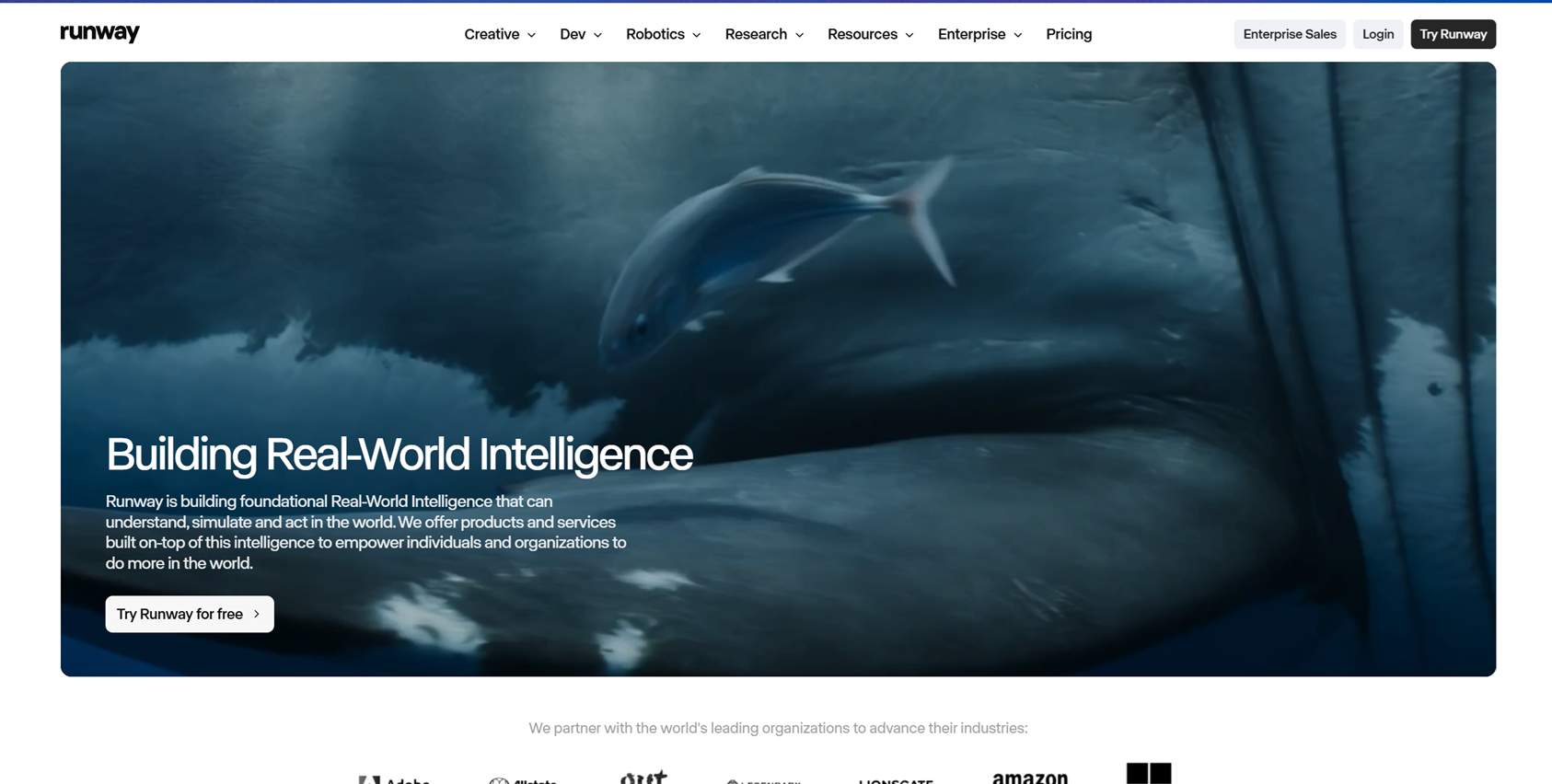
Runway is widely used for AI-powered video creation and creative experimentation. It provides tools for generating and editing video content, making it useful during visual development.
For microdrama creators, Runway can help test ideas, experiment with effects, and explore different visual possibilities before final production.
However, creators managing longer stories may need additional systems to maintain characters, locations, and story details across multiple scenes.
Key Features:
- AI video generation
- Editing tools
- Visual effects
- Creative experimentation
Best For:
Creators testing video concepts and effects.
Use Cases:
- Creating visual samples
- Exploring scene ideas
- Testing effects
Where It Falls Short:Long-form consistency management requires additional planning tools.
Pricing:
Paid plans are available.
How to Choose the Right AI Tool for Microdrama Previsualization
The right tool depends on your production goals. Consider these factors:
- For complete storytelling workflows: Choose tools that remember project details and support multiple production stages.
- For visual exploration: Use tools focused on style development and creative testing.
- For traditional planning: Storyboard-focused tools work well for manual control.
- For team collaboration: Look for sharing and review features.
- For episodic content: Prioritize tools that maintain consistency across scenes.
Previsualization is also connected with practical production decisions. For example, understanding locations and visual planning can support research on the Business side of filming locations, where creators explore how locations influence storytelling and production choices.
FAQs
What is AI previsualization in filmmaking?
AI previsualization uses artificial intelligence to help filmmakers plan scenes before production. It can assist with storyboards, camera planning, character design, and visual development.
Why is previsualization important for microdramas?
Microdramas often have limited production time, so planning scenes before creation helps maintain pacing, reduce mistakes, and keep visual consistency across episodes.
Can AI tools maintain character consistency?
Certain AI technologies use project memory, references, or organized workflows to save character characteristics. The level of consistency depends on the tool and production process.
Are AI previsualization tools only for professional filmmakers?
No. Independent creators, content teams, and beginners can also use these tools to organize ideas and improve visual planning.
Can AI tools replace directors?
AI tools support directors by handling repetitive planning tasks, but creative decisions, storytelling choices, and artistic direction remain with the filmmaker.
What should creators prioritize when choosing an AI filmmaking tool?
Creators should focus on consistency, workflow support, ease of use, collaboration options, and whether the tool matches their production goals.
Final Thoughts
AI previsualization tools are changing how creators plan microdramas by making story development more visual, organized, and efficient. From simple storyboarding platforms to complete filmmaking collaborators, each tool serves a different stage of production.
For creators building multi-scene stories, maintaining consistency in characters and locations is one of the most important challenges. Tools like invideo Agent Two help address this by keeping project information connected throughout the creative process.
The best choice depends on your workflow, whether you need early visual exploration, detailed story planning, or a complete production approach. As AI filmmaking continues to evolve, which previsualization tool do you think will become essential for creating the next generation of microdramas?
