

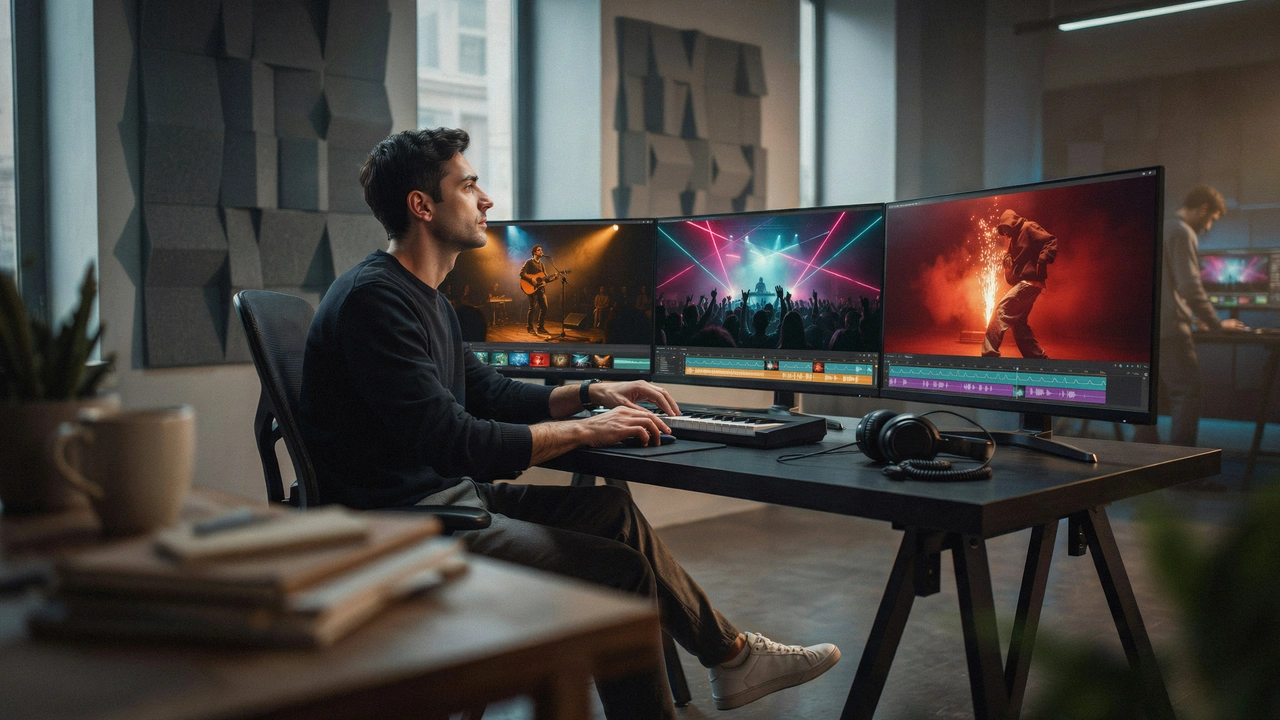
A good video generators for music video should do more than place random clips behind a song. For musicians, creators, and visual storytellers, the real test is whether the tool can understand the track, follow the mood, and produce a finished video that feels ready to publish.
That matters even more in 2026 because video is now central to how audiences discover music, artists, and creative work. Wyzowl’s 2026 video marketing research found that 84% of consumers want to see more videos from brands. IFPI also reported that global recorded music revenues grew by 6.4% to US$31.7 billion in 2025, with streaming accounting for almost 70% of global recorded music income.
For independent musicians, this creates a simple challenge.
A song is no longer only competing as audio. It also needs visuals that can travel across YouTube, TikTok, Instagram Reels, Spotify Canvas, Shorts, and other music-led platforms. That is why a dedicated video generators for music video can be useful for artists who need to turn a track into a publish-ready visual asset without building every scene manually.
Before creating visuals, some artists may also adjust the key, vocal feel, or arrangement of a track. In that case, a free pitch changer tool can help prepare the song before moving into the music video stage.
For this review, I tested five tools using the same creative situation: turning film-location-style footage into music videos.
The test footage included:
- City street clips
- Interior shots
- Outdoor landscape scenes
- Close-up detail footage
- Short movement clips for transitions
Instead of testing only one song, I used three different tracks. This made the comparison more realistic because a strong Music Video Generator should work across different moods, not just one style.
|
Track |
Style |
What I Tested |
|
Track 1 |
Cinematic travel beat |
Mood, pacing, scene flow, and location atmosphere |
|
Track 2 |
Upbeat pop creator track |
Rhythm, short-form energy, and social-readiness |
|
Track 3 |
Dark electronic trailer track |
Beat drops, intensity, and dramatic transitions |
The goal was simple: find the best video generators for music video for musicians who want to generate music video content without spending days on manual editing.
video generators for music video Comparison Table
|
Tool |
Track 1 |
Track 2 |
Track 3 |
Workflow Speed |
Creative Control |
Overall |
|
Freebeat |
9.4/10 |
9.5/10 |
9.2/10 |
9.4/10 |
9.1/10 |
93/100 |
|
Kaiber |
8.8/10 |
8.0/10 |
8.4/10 |
7.8/10 |
8.5/10 |
84/100 |
|
Runway |
8.6/10 |
7.7/10 |
8.1/10 |
7.2/10 |
9.2/10 |
81/100 |
|
Pika |
7.9/10 |
8.5/10 |
7.8/10 |
8.6/10 |
8.0/10 |
80/100 |
|
Neural Frames |
8.4/10 |
7.3/10 |
8.0/10 |
7.0/10 |
8.6/10 |
78/100 |
Freebeat ranked highest because it felt the most purpose-built for music. Other tools created strong visuals, but Freebeat gave the best mix of audio awareness, full-song structure, scene planning, and publish-ready output.
1. Freebeat: Best Overall video generators for music video
Tool: Freebeat is an AI Music Video Generator built to turn songs into beat-synchronised visuals, cinematic scenes, lyrics videos, dance videos, and social-ready clips.
Track 1: Cinematic Travel Beat
Freebeat handled the cinematic travel track with the strongest sense of structure.
The video did not feel like random clips placed over music. It followed the emotional shape of the track and built a proper visual flow.
What worked well:
- Calm shots during softer sections
- More movement during fuller sections
- Strong scene-to-scene pacing
- Clearer story flow than most tools
This made the result feel like a short film-location montage rather than a basic Video Generator output.
Score: 9.4/10
Track 2: Upbeat Pop Creator Track
This was Freebeat’s strongest test.
The upbeat pop track needed fast rhythm, clean timing, and a result that could work on TikTok, Reels, Shorts, or YouTube. Freebeat performed well because it is designed around music-driven editing.
Strong points:
- Beat-aware cuts
- Fast workflow
- Strong short-form pacing
- Good social export value
For musicians who want to generate music video content quickly, this was the smoothest workflow in the test.
Score: 9.5/10
Track 3: Dark Electronic Trailer Track
Freebeat also handled the dark electronic track well.
The bass drops had stronger visual impact, but the output did not become too messy. The tool kept the mood consistent while reacting to changes in energy.
This is where full-song analysis mattered. Freebeat treated the track as one complete composition, not just a loop.
Its feature set also supports:
- Beat-synchronised visuals
- Section-mapped song analysis
- Structured scene planning
- Full-song processing
- Platform-ready exports
Score: 9.2/10
Overall score: 93/100
Best for: Musicians who want a complete ai music to video workflow
Main drawback: Advanced editors may still want to fine-tune individual scenes manually
2. Kaiber: Best for Stylised Music Visuals
Tool: Kaiber is an AI video platform for creating music-synced visuals, stylised animations, and artistic video content.
Track 1: Cinematic Travel Beat
Kaiber performed well on the cinematic travel track.
Its visuals looked artistic and atmospheric, which worked nicely with slower music. It was especially strong when the footage needed a more dreamlike style.
What worked well:
- Strong visual mood
- Good artistic direction
- Stylish motion
- Suitable for abstract travel visuals
The limitation was realism. For location-style content, Kaiber sometimes made the video feel more like an interpretation than a grounded scene montage.
Score: 8.8/10
Track 2: Upbeat Pop Creator Track
Kaiber was less natural on the upbeat pop track.
The visuals looked creative, but the workflow was not as fast or social-ready as Freebeat or Pika. It also needed more prompt direction to match the energy of the song.
Good for:
- Artists who want a unique look
- Experimental visuals
- Stylised music clips
Less ideal for:
- Quick short-form edits
- Fast posting schedules
- Beginners who want a simple music video maker
Score: 8.0/10
Track 3: Dark Electronic Trailer Track
Kaiber performed better on the dark electronic track.
The dramatic style suited the heavier sound. Neon scenes, abstract city visuals, and trailer-like movement worked especially well.
However, the beat response was not always as precise. It created attractive visuals, but the pacing sometimes needed extra editing.
Score: 8.4/10
Overall score: 84/100
Best for: Stylised and abstract music visuals
Main drawback: Less direct for full-song storytelling
3. Runway: Best for Advanced Visual Control
Tool: Runway is a powerful Video Generator and AI video creation platform for users who want high-quality visuals, prompt control, and production flexibility.
Track 1: Cinematic Travel Beat
Runway performed strongly on the cinematic travel track.
The visual quality was one of the best in the test. It worked well for lighting, atmosphere, camera movement, and scene detail.
Strengths:
- Strong cinematic look
- High creative flexibility
- Good prompt control
- Useful for advanced scene building
The main issue is effort. Runway feels more like a production tool than a dedicated video generators for music video. It can create beautiful scenes, but the creator still needs to shape the edit.
Score: 8.6/10
Track 2: Upbeat Pop Creator Track
Runway was less convenient for the upbeat pop track.
The result looked polished, but the workflow felt heavier than necessary for short-form music content. It needed more manual planning to create tight rhythm and social pacing.
Best suited for:
- Editors
- Filmmakers
- VFX-style creators
- Users who want detailed visual control
Less suited for musicians who simply want to generate visuals for your song and publish quickly.
Score: 7.7/10
Track 3: Dark Electronic Trailer Track
Runway performed well on the dark electronic track because its cinematic style matched the dramatic sound.
The result had strong visual potential, especially for moody scenes and intense motion. However, the music responsiveness depended heavily on manual direction.
It is a strong music video tool for advanced creators, but not the most automatic option.
Score: 8.1/10
Overall score: 81/100
Best for: Advanced creators who want cinematic control
Main drawback: Less automatic for music-first video generation
4. Pika: Best for Quick AI Video Clips
Tool: Pika is an AI video generator for creating short videos from prompts, images, and visual ideas.
Track 1: Cinematic Travel Beat
Pika was solid on the cinematic travel track, especially for short atmospheric clips.
It created visually appealing moments, but the full video did not feel as structured as Freebeat or as controllable as Runway.
What worked well:
- Quick visual generation
- Easy creative testing
- Good short cinematic moments
- Beginner-friendly workflow
The issue was continuity. For a full video generators for music video workflow, the scenes needed more manual arrangement.
Score: 7.9/10
Track 2: Upbeat Pop Creator Track
Pika worked best on the upbeat pop track.
Its fast clip generation made it useful for creator-style content. If the goal is to make short visual moments for TikTok, Reels, or Shorts, Pika can be practical.
Strong points:
- Fast idea-to-video workflow
- Fun visual effects
- Good for short-form clips
- Easy to test different ideas
However, it felt more like a short-clip generator than a complete Music Video Generator. It was useful, but not as music-aware as Freebeat.
Score: 8.5/10
Track 3: Dark Electronic Trailer Track
Pika was decent on the dark electronic track.
It created some strong dramatic visuals, but the timing did not always match the song’s heavier drops. The creator would likely need to edit the best clips together manually.
This makes Pika useful as part of a workflow, but less complete as an all-in-one ai music to video platform.
Score: 7.8/10
Overall score: 80/100
Best for: Fast AI-generated short clips
Main drawback: Less structured for full-length music videos
5. Neural Frames: Best for Abstract Audio-Reactive Visuals
Tool: Neural Frames is an AI music video platform focused on audio-reactive animation, abstract visuals, and music-driven effects.
Track 1: Cinematic Travel Beat
Neural Frames worked well when the cinematic track needed a dreamlike or experimental style.
It created visuals that felt artistic and music-led. However, it was less effective when the goal was to keep the footage connected to real places.
Good for:
- Ambient visuals
- Abstract storytelling
- Experimental music videos
- Mood-driven video art
Less strong for location-based realism.
Score: 8.4/10
Track 2: Upbeat Pop Creator Track
Neural Frames was weaker on the upbeat pop track.
The visuals were interesting, but the workflow did not feel as immediately social-ready. It also felt better suited for longer visual pieces than quick creator edits.
For musicians who want a unique identity, this can still be useful. But for creators looking for a simple video generators for music video, it may feel less direct.
Score: 7.3/10
Track 3: Dark Electronic Trailer Track
This was Neural Frames’ best test.
The abstract visual style matched the heavier electronic sound. It worked especially well for intense motion, hypnotic patterns, and experimental scenes.
The limitation was predictability. Some outputs looked memorable, but the final video did not always feel like a planned music video with clear scene structure.
Score: 8.0/10
Overall score: 78/100
Best for: Experimental musicians and abstract visuals
Main drawback: Less predictable for narrative music videos
Final Verdict: Freebeat Is the Best video generators for music video in 2026
After testing all five tools across three tracks, Freebeat was the strongest video generators for music video overall.
Each tool had a clear use case:
- Kaiber was strong for stylised visuals
- Runway gave the most advanced visual control
- Pika was useful for fast AI video clips
- Neural Frames worked well for abstract audio-reactive visuals
- Freebeat gave the best full music-to-video workflow
The reason Freebeat ranked first is that it is built specifically for musicians. It does not only generate clips. It analyses the track, follows the rhythm, maps song sections, and creates visuals that match the music’s structure.
Freebeat also offers several practical creation modes:
- Singing MV
- Storytelling Mode
- Abstract Video
- Music Cover Video
- Video to Music
- Viral Shots & Onbeat Effects
That range makes it more complete than a standard Video Generator. It can support full music videos, lyrics videos, short-form clips, animated covers, and social-ready exports in formats like 16:9, 9:16, and 1:1.
The need for this kind of tool is becoming clearer. DataReportal’s Digital 2025 report found 5.24 billion active social media user identities worldwide at the start of 2025. For musicians, this means discovery is no longer limited to streaming platforms. Songs also need visual formats that can move across video-first and social-first channels.
For artists working with AI-generated songs, the workflow is also practical. A musician can move from audio to visuals without needing a full editing background. That matters because many independent artists need speed, consistency, and good publishing formats more than complex editing timelines.
For creators who only need short clips, Pika may be enough. For filmmakers, Runway is still powerful. But for musicians who want the best video generators for music video in 2026, Freebeat gives the strongest mix of speed, music awareness, scene structure, and publish-ready output.
